The document review challenge
During regulatory audits, litigation, and internal investigations, legal teams are handed large archives of exported email — frequently thousands of individual .msg files. For paralegals and junior associates on first-pass review, MSG files present a particular logistical problem: they are proprietary Microsoft files that usually require Outlook to open, read, and process.
That dependency creates friction in exactly the environment where control matters most.
Why Outlook is a poor fit for document review
Using Outlook to review Outlook files sounds logical. In practice it introduces several avoidable risks:
- Accidental modification. Opening an MSG file in Outlook can update read state and "last opened" information. Even where content is unchanged, anything that writes back to a file system makes evidential handling harder to defend.
- Cloud sync risk. If the review machine has a signed-in Microsoft 365 or Exchange profile, there is a real risk of email being synchronised to the cloud from what is supposed to be a controlled environment.
- Licensing bottlenecks. Not every contract reviewer, temp, or client representative has a Microsoft 365 licence. Provisioning one just to read emails slows down surges in review work and adds cost per seat.
- Performance. Outlook is a heavyweight mail client, not a rapid document viewer. Clicking through hundreds of individual MSG files one by one is slow compared with a purpose-built viewer.
- Tracking and remote content. Emails can contain remote images that phone home when rendered. A review tool should never leak activity to third-party servers by default.
What to look for in a review tool
Whatever tool your team adopts, these properties matter more than feature lists:
- Read-only access. The viewer must never modify the original file or its metadata.
- Fully local processing. Content should be parsed on the review machine, with no upload and no account.
- Sanitised rendering. Scripts, redirects, and external content should be neutralised by default.
- Attachment visibility. Reviewers need names, types, and sizes before deciding to open anything.
- Speed at volume. First-pass review is a clicking job; every second per file compounds.
- An audit trail. Managed deployments should be able to record what was opened and when.
How OpenMSG supports legal review
OpenMSG was built for exactly this workflow — reading MSG files quickly and safely without an email client.
- Read-only by design. OpenMSG only reads MSG files. It never modifies the original, and there is no "save changes" path anywhere in the app.
- Fully offline. Files are parsed locally. The viewer needs no mailbox, no account, and no internet connection to display a message.
- External content blocked by default. A strict content policy stops remote images and assets from loading, so opening a message cannot leak activity to a sender's tracking server. Reviewers can reveal external content for a single message only when they explicitly choose to.
- HTML sanitised. By default, JavaScript event handlers, javascript: links, and automatic redirects are stripped before the email body is rendered.
- Sandboxed parsing. By default, the parsing process runs in an isolated AppContainer, separate from the rest of the system.
- Attachment checks. By default, attachments whose contents do not match their extension, or that carry executable signatures, are blocked before they can be opened. Unicode bidirectional filename spoofing is also detected.
- Audit trail. In managed deployments, file opens and attachment events can be written to the Windows Event Log, giving reviewers a defensible record of activity.
- Fast at volume. Messages open instantly, so reviewers can move through an archive without waiting on a mail client to catch up.
A repeatable first-pass review workflow
A practical workflow for a review team:
- Work from a controlled copy. Keep the original production set untouched and review against a working copy.
- Verify integrity. Hash files before and after review with your existing tooling to demonstrate nothing changed.
- Open with a read-only viewer. Use OpenMSG rather than Outlook so no client can write back to the file system.
- Review headers and body first. Sender, recipients, and timestamps are often enough to triage relevance before attachments are considered.
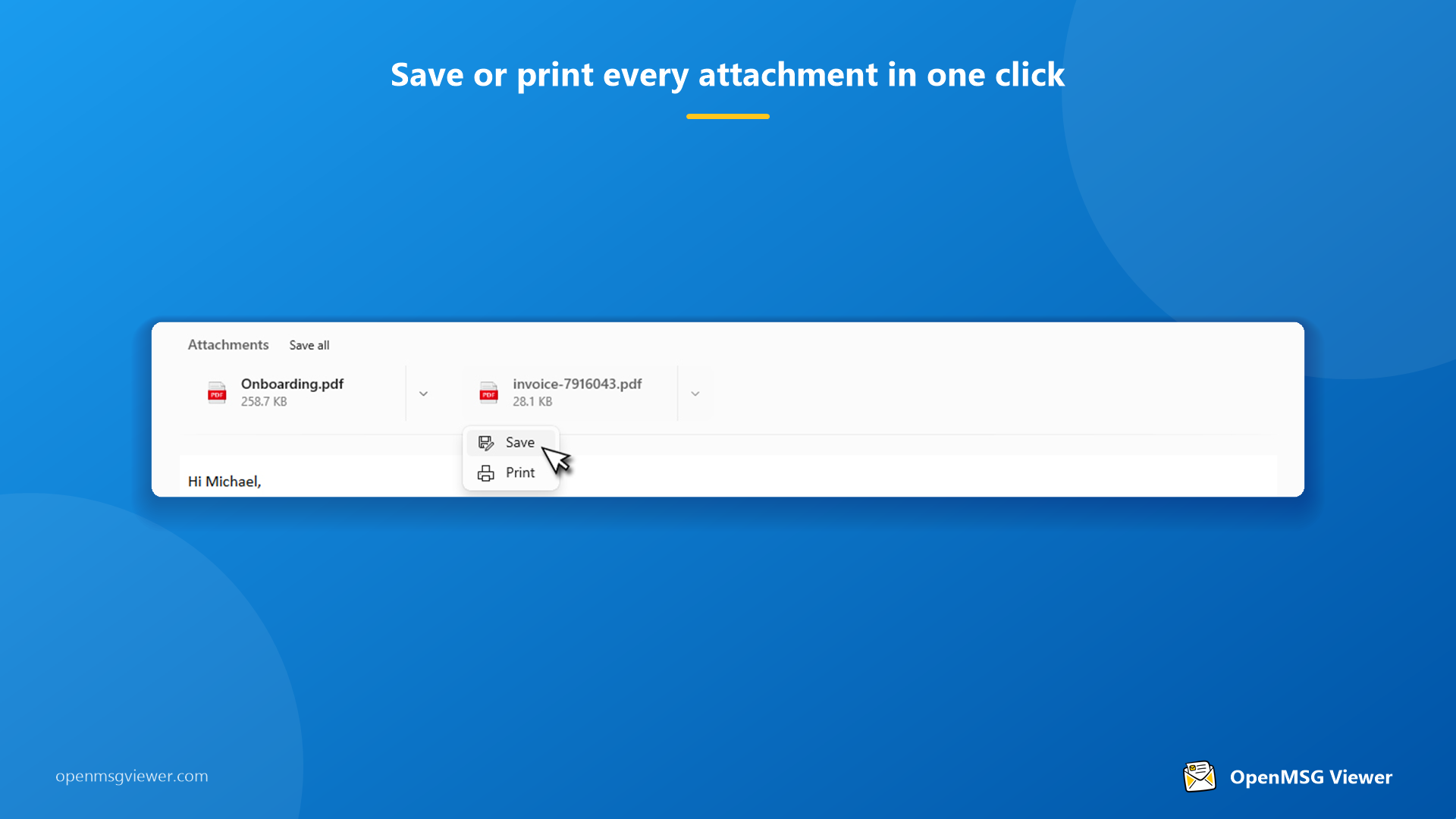
- Inspect attachments without opening them. Use the attachment panel to note filenames, types, and sizes, then extract only what is relevant to the case folder.
- Record decisions. Keep your normal review log; the viewer's Event Log audit trail supplements it at the machine level.
- Extract, do not convert. Save attachments and print emails to PDF as needed, but leave the source MSG files exactly as they were received.
Deployment notes for IT and review managers
The Enterprise build of OpenMSG is the one to deploy in a review environment. It is distributed as an MSIX package for Intune, SCCM, and direct deployment rather than through the Microsoft Store, and it is configured through Group Policy or the registry. Key points for procurement and IT:
- Telemetry, crash reporting, rating prompts, and print branding are permanently disabled in the Enterprise build.
- Attachment rules — which extensions are allowed, whether unsafe files are blocked, and maximum file and attachment sizes — are centrally configurable.
- File opens and attachment events can be written to the Windows Event Log for audit purposes.
- Licensing is honor-based with no licence server or DRM to manage, from 50 users.
A note on cost
In a business or enterprise review environment, Outlook requires paid per-user licensing — through Microsoft 365 or a perpetual Office licence — on top of a full email client that also collects diagnostic and usage telemetry. Reviewers who only need to read MSG files are being licensed for a mailbox they never use. OpenMSG Enterprise licensing starts at $450 per year for up to 50 users, which is a fraction of the per-seat cost of provisioning full mailboxes for contract reviewers and temporary staff. For organisations that need to scale review capacity up and down, that difference is material. Pricing and deployment details are on the pricing page.
Disclaimer
This article provides general information about document review workflows and does not constitute legal advice. Organisations should validate their processes against their own regulatory obligations and internal policies.
The bottom line
Legal teams should not have to install an email client to read evidence. By pairing disciplined process — controlled copies, integrity checks, clear logging — with a read-only, offline viewer like OpenMSG, reviewers can work faster, reduce cloud and metadata risk, and keep costs proportional to the task.